When the thumbnail repeats the title
You can miss a chance to add a clue, show an outcome, or make the stakes visible.
 DESIGN
Arooj Khan · YouTube Thumbnail Designer & Visual Strategist
You’ve spent hours researching, writing, recording, and editing. Before a new viewer experiences that work, they often encounter your video through two things: its title and thumbnail.
Those two need to communicate what makes the video worth watching.
I’m Arooj Khan. I design custom YouTube thumbnails around your topic, title, and audience—from the first concept through to the finished Photoshop design.

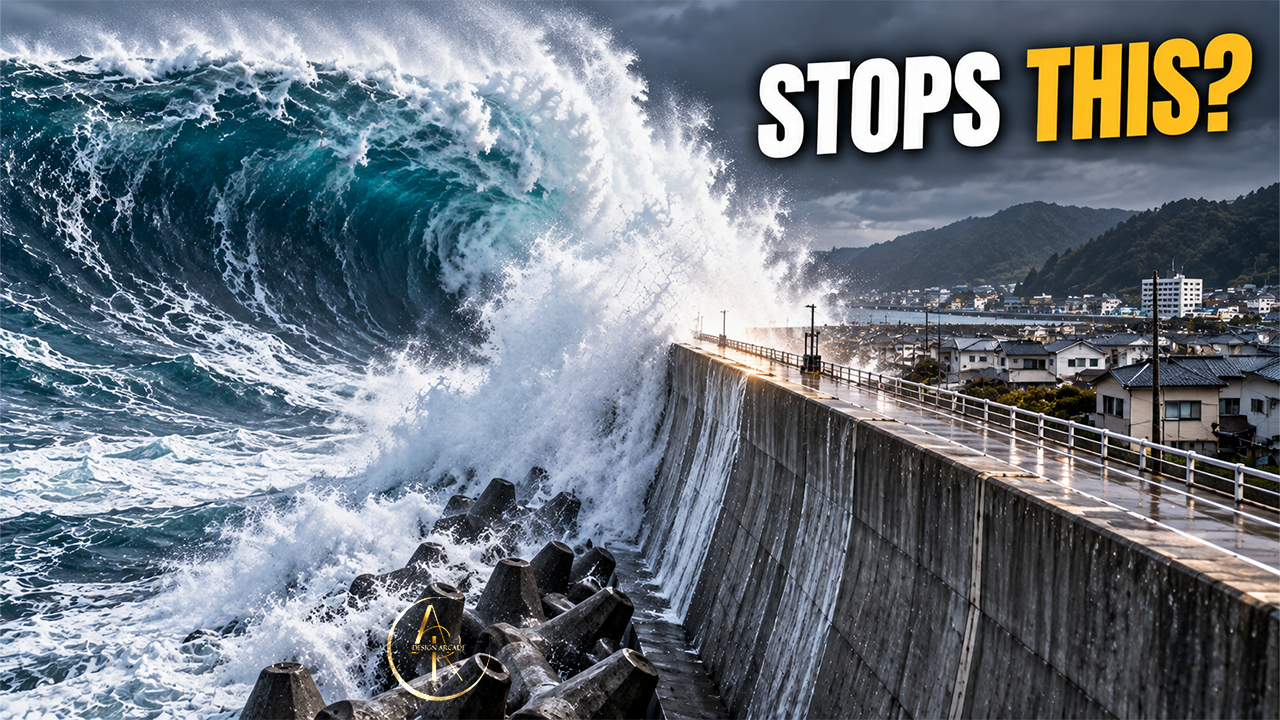
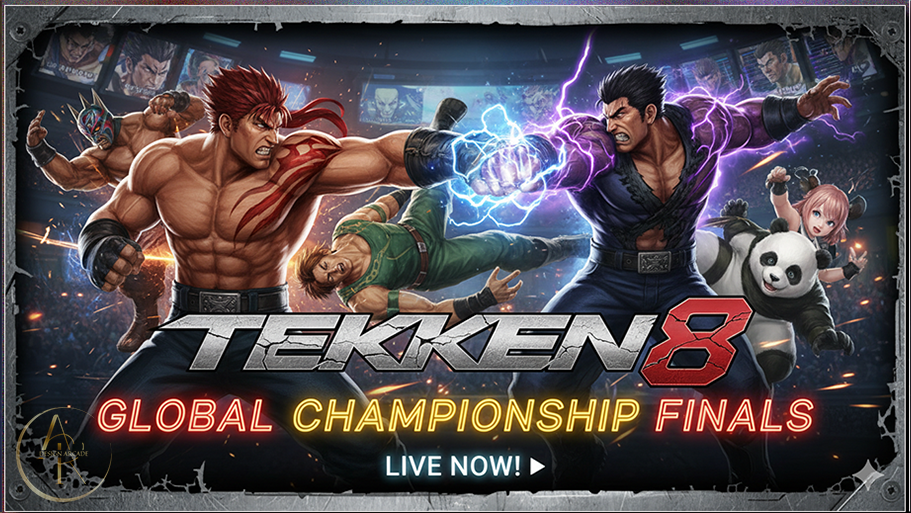
Different audiences. Different stories.
A considered reason to watch.
01 / The big picture
Your channel starts with the people you want to reach and what you can offer them. That shapes your topics, your stories, and how you present each video.
Who is this for, and what matters to them?
What makes this interesting or useful?
How will they recognise that value before watching?
Does the experience deliver what they expected?
Your script, recording, sound, and editing deserve attention. So does the decision a viewer makes before experiencing any of them.
Yet the thumbnail often becomes the last task: a screenshot, a template, or an AI-generated image chosen just before upload. Even polished Photoshop work can struggle when the underlying idea is weak.
Whatever tools you use, the concept needs to fit the video and its audience. Considering the title and thumbnail while developing the topic gives you time to sharpen the angle—or capture the right image.
02 / One package
A common mistake is treating the topic and thumbnail as separate decisions. Finish the video, write a title, then ask for an image that “looks good.” But a good-looking image still needs to give someone a reason to watch.
You can miss a chance to add a clue, show an outcome, or make the stakes visible.
A story built around discovery may leave the viewer with less to wonder about.
Neither is an absolute rule. Repetition can help recognition, and showing the finished result can be exactly what a tutorial needs. The decision depends on what the viewer is looking for.
An idea in practice
AI-generated demonstration thumbnails—not client projects or a measured comparison. Select an image to view it larger.
A busy bakery’s bestselling cake costs more to make than it earns.
“This Bakery Was Always Busy. Why Was It Losing Money?”
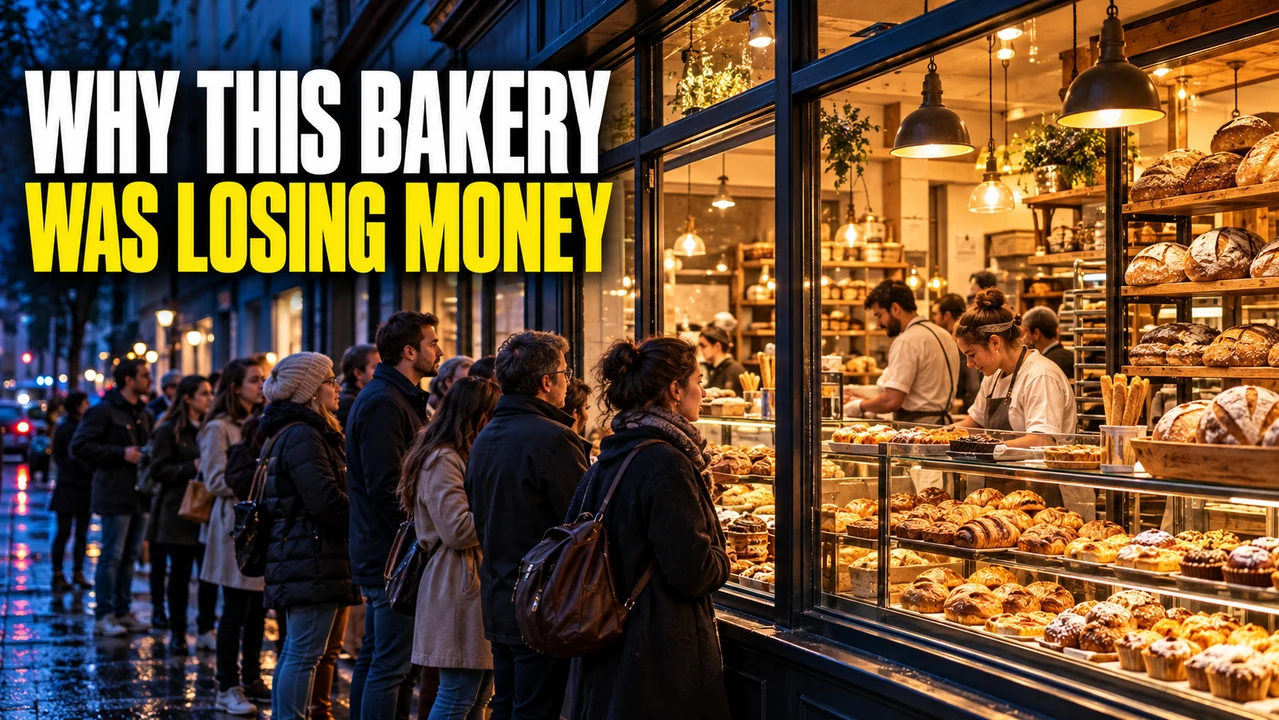
The image restates the title, adding little new information.

A direct explanation that could suit a pricing lesson—but gives away this story’s discovery.
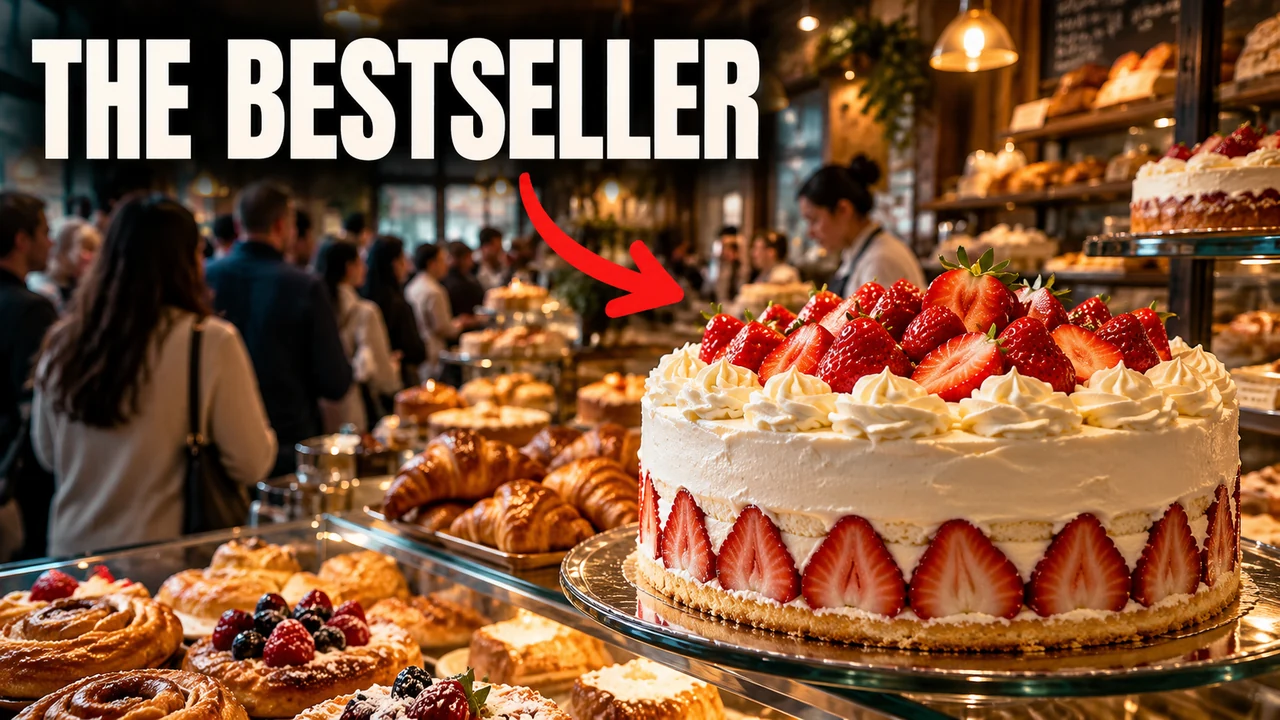
The title introduces a financial problem. The image points to an unexpected clue.
“How could their bestselling cake be hurting the business?”
The image adds information while leaving the explanation for the video. The story must actually answer that question; otherwise, the packaging becomes misleading.
03 / The viewer’s perspective
The person scrolling hasn’t read your brief or seen your script. These are the checks that help a thumbnail make sense to them.
A recognisable film character may matter to a cinema audience; a specific software interface may matter to a developer. Choose details your intended viewers will recognise.
Decide what viewers should notice first and how the elements connect. A comparison can need two subjects; a multi-panel thumbnail can need several. Their relationship should be clear.
Curiosity needs context. An unexplained object or expression can simply confuse. Show enough for the viewer to understand what’s at stake.
Concern, surprise, ambition, recognition, or wonder: let the story and audience guide the expression, rather than adding shock automatically.
The image should represent what viewers will actually find. A click begins an experience, and the video needs to deliver on that invitation.
04 / From idea to image
Different subjects call for different visual decisions. Here’s what those decisions look like in practice.
Film & Cinema
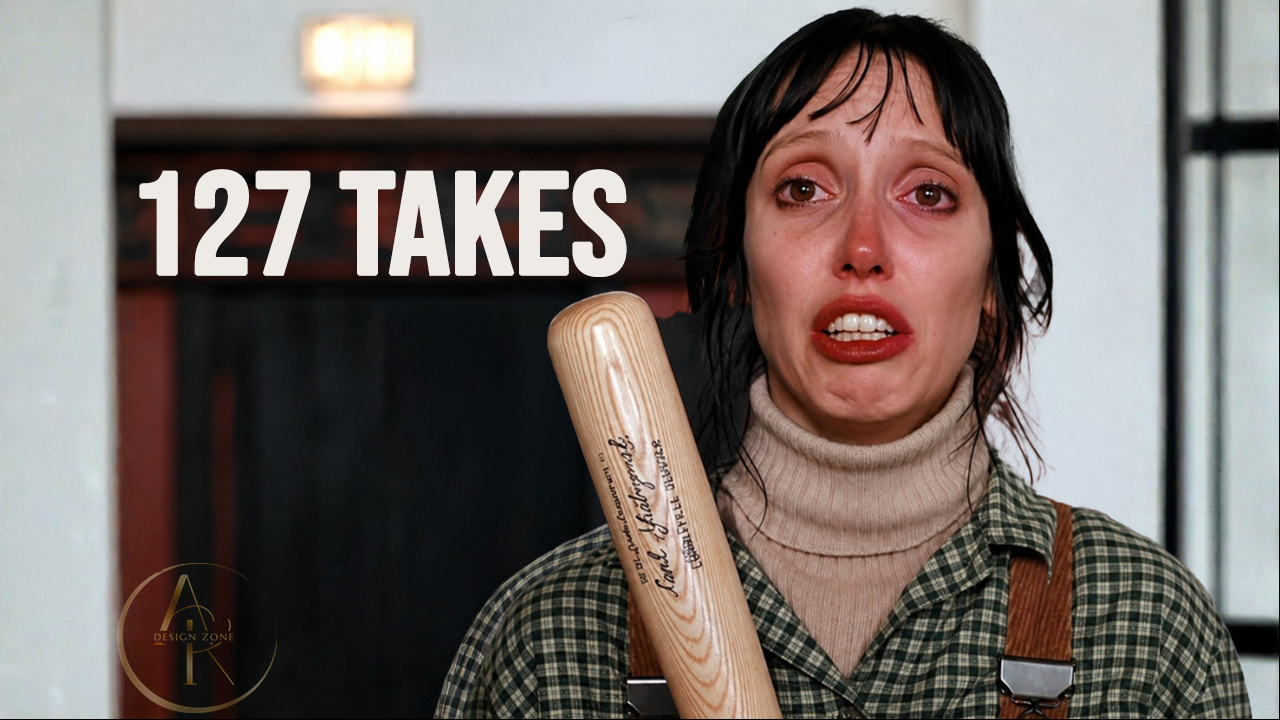
A tight portrait and an unusually specific number give the viewer two things to connect. The expression supplies the emotion; “127 Takes” leaves the circumstances unexplained.
Explore Film & Cinema ↗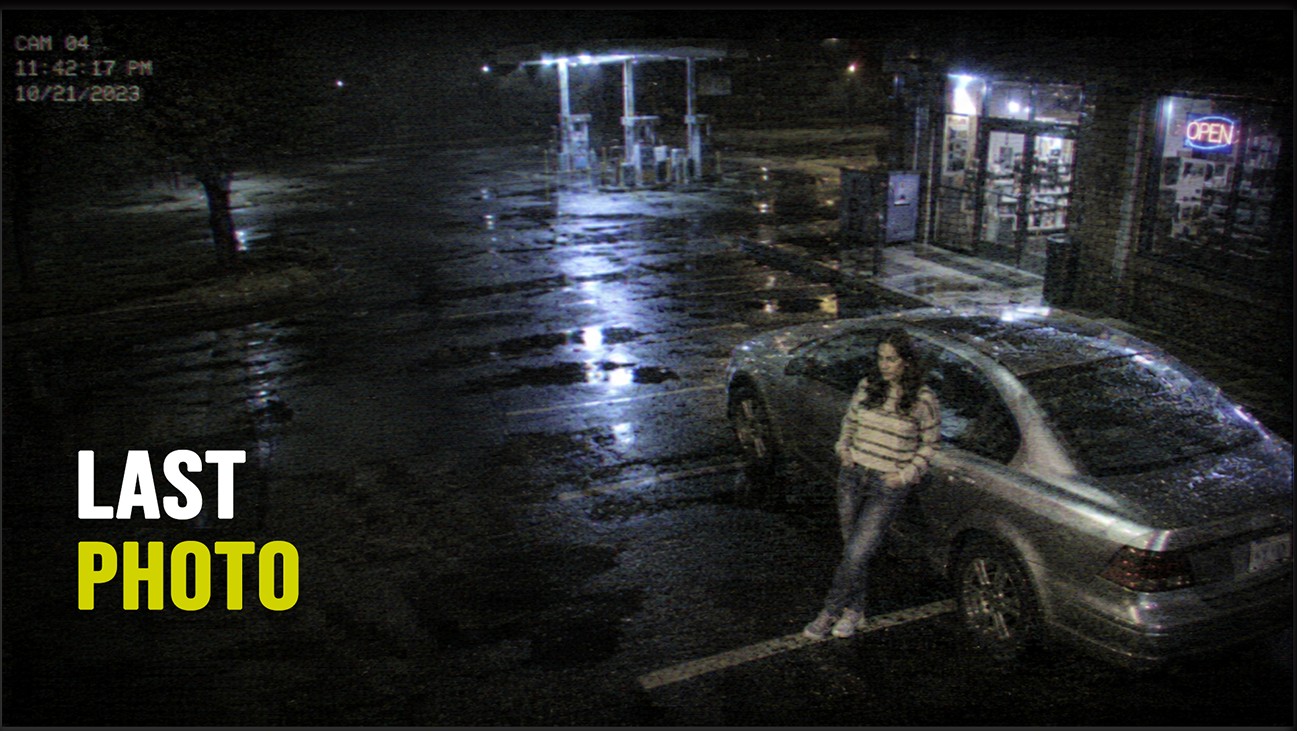
True Crime & Cyber Crime
The night-time scene, small figure, and surveillance-style framing suggest a moment worth examining. “Last Photo” gives that scene significance without explaining what happened next.
Explore True Crime & Cyber Crime ↗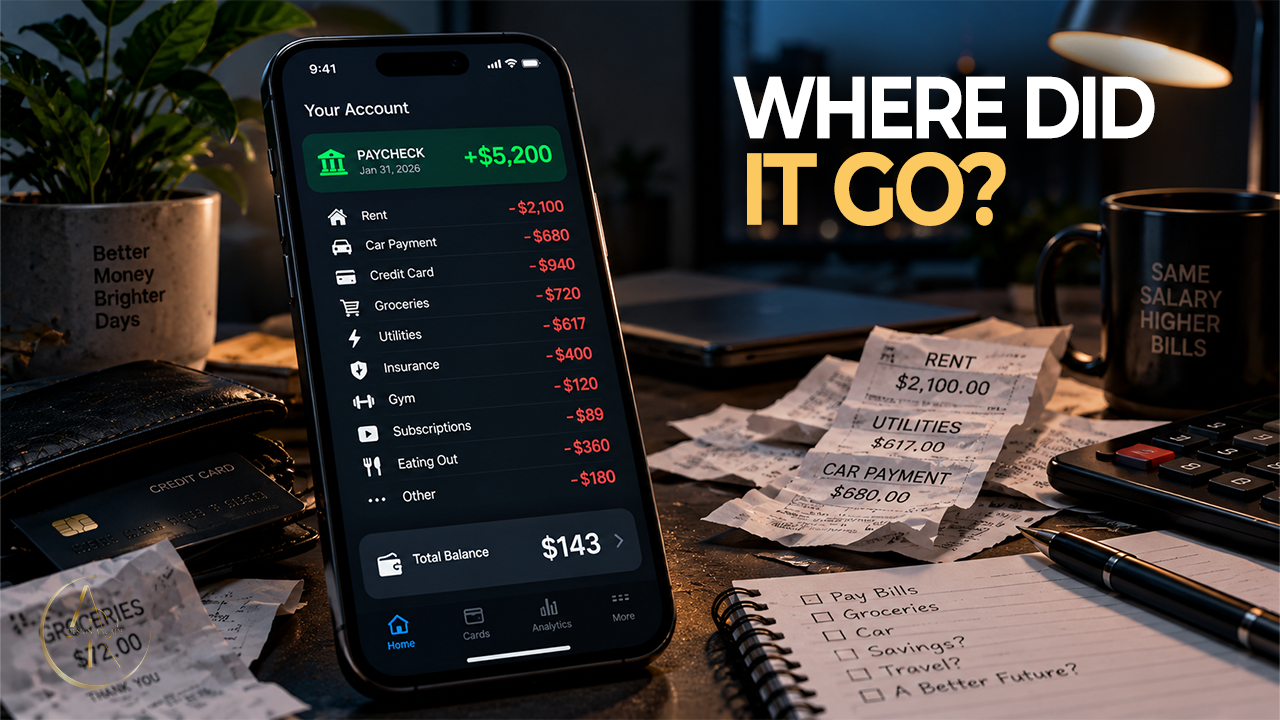
Finance
A phone, receipts, and short question turn an abstract money concern into something recognisable. The scattered paperwork supports the question without adding another block of text.
Explore Finance ↗These notes explain design choices, not measured click or viewing results.
Explore These Designs and More in the Portfolio ↗05 / Working on your video
A clear brief helps. A finished concept isn’t required—that’s part of the work we do together.
Discuss your video ↗Your channel, title, audience, and deadline give us a starting point. A script, summary, or key moments help identify what the video really offers.
We look for the question, tension, transformation, or useful outcome. What does the title explain, and what can the image add?
Imagery, Photoshop work, text, contrast, lighting, and details serve the concept. Any AI use or asset-sourcing requirements are agreed before work begins.
Can viewers still recognise the subject, read the essential text, and understand the relationship between elements?
We refine the design within the agreed scope. Extra concepts for testing can be quoted separately.
06 / What you need next
A custom thumbnail built around your next upload.
A refreshed direction informed by the video, its current packaging, and any performance context you can share.
Alternative ideas to compare, with scope and pricing agreed separately.
A planned set of thumbnails that works with your schedule and channel identity.
A standard quote covers one concept and one finished design. JPG/PNG delivery is included. Source files and any extras are confirmed in your quote.
07 / Before we start
Clear expectations make it easier to decide whether we’re a good fit.
Full project policies ↗Your channel link, video topic or title, deadline, and the number of thumbnails you need. A script or summary, visual references, and available assets are useful too. Your brief doesn’t need to be perfect to start the conversation.
Yes. A single paid project can help us establish a working relationship before a larger batch. I don’t offer unpaid custom trials.
Share your references and any restrictions first. We’ll confirm whether I can meet them and agree on the workflow, including real photos, archival imagery, and manual Photoshop work where required.
Your quote depends on complexity, quantity, and deliverables. The first draft is usually ready in 2–3 business days after I receive the complete brief, assets, and agreed payment—or a funded Upwork milestone. Complex designs and batches have their own agreed schedule. This estimate does not include feedback and revision time.
No designer can promise a particular CTR. Your topic, title, audience, and where the video is shown all matter. My role is to make the thumbnail clear, relevant, and consistent with the video, then use available evidence to inform further decisions.
In development
Prefer to develop your own thumbnail ideas? I’m building a tool to help creators think through their audience, hook, and title–image relationship before designing.
In development. Not yet available as a subscription.
Your next upload
Share your channel, topic, and deadline. We’ll discuss the direction, deliverables, and price before you decide to move ahead.
Arooj Khan · YouTube Thumbnail Designer & Visual Strategist
AK Design Zone · Lahore, Pakistan · Working with creators internationally